You set a mowing schedule before work, then notice your router barely reaches the charging dock. The mower may still cut normally, but the app can become slow or unavailable just when you want to change a zone or check an alert. That is a common smart-yard problem: connectivity and navigation are related, but they are not the same thing.
A good wifi robot lawn mower should match your yard size, maintain a stable control connection, and keep core mowing functions practical during a network interruption. The sections below show what to check, how current models fit different lawn scenarios, and which connection type matters most after setup.
What to Consider Before Buying a Wi-Fi Robot Lawn Mower
The best connected mower is not simply the one with the longest feature list. Focus on how reliably its controls, mapping, and mowing behavior fit the network conditions around your property.
App Reliability
The app is where many owners create schedules, review mower status, edit zones, and receive alerts. Look for a clear pairing process, quick reconnection after the phone leaves Wi-Fi, and visible confirmation that a map or schedule change has actually synced. Firmware updates should also be easy to find. A polished app cannot improve weak lawn coverage on its own, but it can reduce setup mistakes and make routine changes much easier to manage.
Wi-Fi Coverage Across the Yard
Strong Wi-Fi at the dock and the main control area is more important than forcing full signal across every square foot. Many modern mowers navigate with onboard sensors or positioning systems rather than steering from the router. Walk the property with a phone to find weak spots, especially behind masonry walls, metal sheds, or detached garages. For a large yard, a mesh node or outdoor-rated access point can provide a more stable control link than relying on one indoor router.
Offline Mowing Behavior
Ask what happens if the router reboots or the internet provider goes down. A well-designed mower may continue a saved schedule, use its local map, and return to the dock without a live cloud connection, while remote commands and push alerts wait until service returns. This behavior varies by model. Before buying, check the manual or support information for the functions that stay available offline instead of assuming Wi-Fi loss stops the mower completely.
Remote Controls, Alerts, and Map Editing
Connected controls are most useful for small changes that would otherwise require walking outside: delaying a session after rain, adjusting a schedule, reviewing status, or changing a no-go area. Map editing is especially valuable for lawns with play equipment, garden beds, or seasonal obstacles. Check which actions work remotely and which require Bluetooth or physical access to the mower. Safety-related driving controls may be intentionally limited when you are not nearby.
Lawn Coverage and Schedule Headroom
Choose a mower whose rated working area comfortably covers the grass you actually maintain. Real yards add slopes, narrow passages, charging time, wet-weather delays, and multiple zones, so operating at the absolute published maximum can leave less schedule flexibility. A practical planning buffer of roughly 15-25% above measured lawn area is useful when conditions are demanding. Measure turf area rather than total lot size, then compare that figure with the manufacturer's stated coverage and charging strategy.
Bluetooth or 4G as Backup Connectivity
Bluetooth is valuable for nearby setup, pairing, and service because it can connect directly over short range without depending on home internet. Cellular 4G serves a different role: it can keep remote status and anti-theft functions reachable beyond home Wi-Fi where supported. Check if cellular hardware is built in or optional, how long service is included, and what renewal costs apply. The strongest backup is the one that supports the features you actually expect to use away from home.
Best Wi-Fi Robot Lawn Mower by Yard Scenario
Yard size and navigation demands should guide the model choice before connectivity extras do. These two Sunseeker options both support app-based control, but they are built for very different mowing scales.
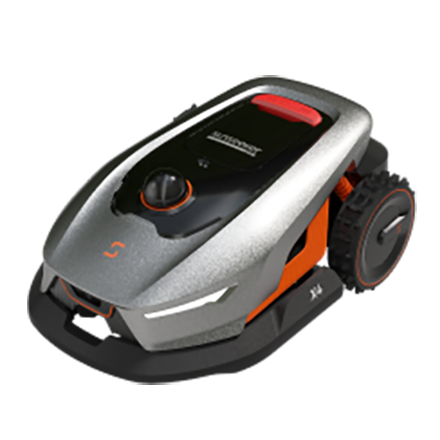
Sunseeker Elite X4
The Sunseeker Elite X4 suits smaller to medium residential lawns, covering up to about 0.3 acre with a 7.9 in cutting width. Its 360° 3D LiDAR and Vision AI handle mapping and navigation without perimeter wire, while Wi-Fi and Bluetooth support setup, scheduling, multi-zone management, and no-go areas through the app.
For yards where home Wi-Fi does not reach every corner, optional 4G connectivity adds another way to stay connected and can also support anti-theft functions. This makes the X4 a practical fit for homeowners who want app control without making Wi-Fi coverage part of the mower’s core navigation.
Sunseeker Elite X9
The Sunseeker Elite X9 is aimed at much larger properties, with coverage of up to about 3 acres within 48 hours. Its AONavi 2.0 positioning system combines advanced navigation with 4G connectivity, while the Sunseeker Smart App supports remote control, mapping, and lawn management.
On an estate-size lawn, cellular connectivity can be more useful than trying to extend home Wi-Fi across the entire property. Automatic mapping and the 360° OmniSight sensing system allow the mower to manage routes and obstacles independently of the home router, while the app remains available for monitoring and adjustments.
Wi-Fi vs Bluetooth vs 4G: Which Connection Matters Most?
Each connection solves a different control problem. A mower can support more than one, so compare the role of each connection instead of treating Wi-Fi, Bluetooth, and cellular service as interchangeable.
Connection | Best role | Main advantage | What to check |
Wi-Fi | Home app control, updates, map and schedule sync | Uses your existing home network and supports convenient remote management | Signal quality at dock/control area; 2.4/5 GHz support; offline behavior |
Bluetooth | Nearby setup, pairing, diagnostics, direct local control | Works at short range without relying on internet service | Effective range, which settings require proximity, and pairing process |
4G | Remote access across large properties and supported anti-theft features | Can maintain a cloud connection beyond home Wi-Fi coverage | Cellular coverage, included service period, renewal cost, and supported functions |
How to Get Better Results After Setup
Good connectivity is easier to maintain when the network, dock location, and app settings are checked as one system. A few setup habits can prevent most avoidable connection problems later.
Keep the Dock and Main Control Area Within Reliable Coverage
Place the charging area where the mower can dock safely and your network still has a dependable signal. If the nearest router is separated by brick, concrete, or several interior walls, move a mesh node closer to the yard-facing side of the house or use an outdoor-rated access point installed to local electrical and weatherproofing requirements. Test the app beside the dock before finalizing the location. Stable coverage there makes pairing, status checks, and firmware downloads much less frustrating.
Confirm Which Functions Still Work Offline
Review the manual before you rely on a saved schedule during an outage. After setup, you can make a controlled test by temporarily disconnecting internet access while the mower is in a safe, supervised area. Check if it follows the saved map, continues or starts a scheduled job, and returns to charge. Then reconnect and confirm that the app resynchronizes. This gives you a clear picture of which features are local and which depend on the cloud.
Keep Maps, Schedules, and Firmware Up to Date
Map edits and schedule changes should be allowed to finish syncing before you close the app or leave the network. Install firmware updates while the mower has a solid connection and enough battery, preferably while it is docked rather than mid-session. After a major update, check zones, no-go areas, cutting times, and notification settings. Small verification steps are faster than discovering later that an old map or unsaved schedule is still active.
Conclusion
A connected mower should make lawn care easier without turning every mowing session into a network test. Check app reliability, offline behavior, actual lawn area, and backup connectivity before buying. Smaller residential yards can work well with strong local sensing plus Wi-Fi and Bluetooth, while large sites gain more value from cellular remote access. Sunseeker's robot lawn mower range gives you options across those use cases, so you can match navigation and connectivity to the way your property is managed.
FAQs
Do robot mowers need WiFi?
Not all robot mowers need Wi-Fi to cut grass. Many can follow a stored schedule and navigate with local sensors, boundary systems, RTK, LiDAR, or vision. Wi-Fi is mainly useful for app control, alerts, map changes, firmware updates, and remote status. Check the manual for the functions that remain available during an internet outage.
Do all robot mowers use WiFi?
No. Some basic models use physical controls and a boundary wire with no Wi-Fi connection. Others add Bluetooth for nearby setup, while higher-end models may combine Wi-Fi with 4G. Connection type is separate from the cutting system, so compare app features and navigation technology instead of assuming every smart mower connects in the same way.
Should you get a robot mower with WiFi connection?
A Wi-Fi model is useful if you want to change schedules, edit maps, receive alerts, or check status remotely. It is especially convenient for multi-zone lawns. Before buying, confirm that the dock has reliable coverage and that core mowing can continue during a temporary router or internet outage.



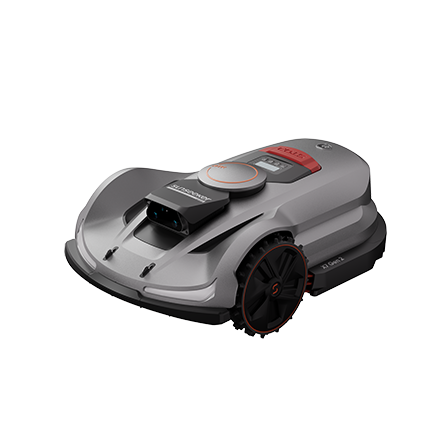

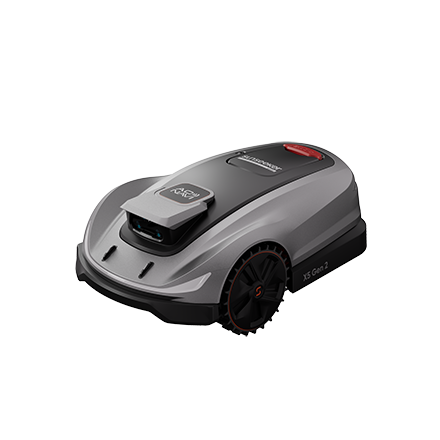

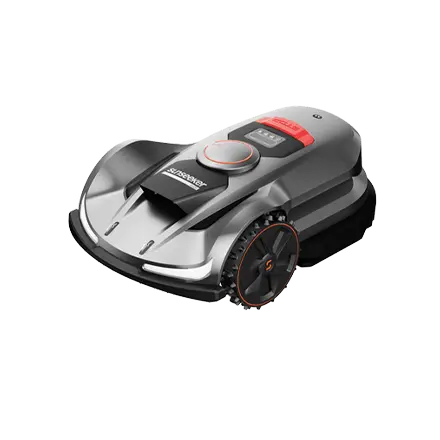
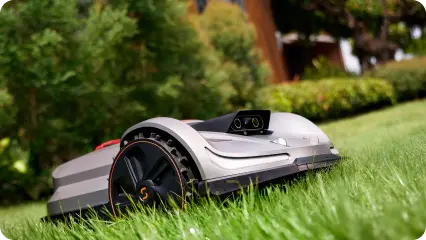
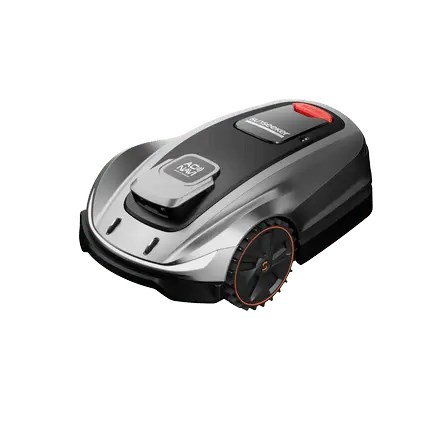
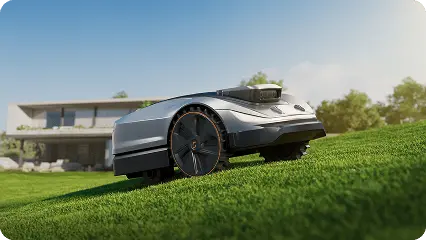
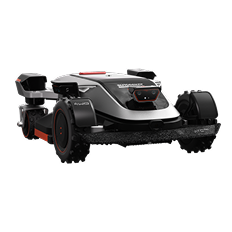



 X7 / X7 Plus Gen 2High-performance mowing for lawns up to 1.5 Acres.USD 2499 / USD 2999