










FAQs
1/5/2026
Contents
Products
Residential Lawns








Commercial Landscapes
Explore
Where to Buy


Think of your mower blades as the scissors of your lawn care routine. When they’re sharp, they make clean, healthy cuts. When they’re dull, they tear and damage the grass. For robot mowers, which rely on frequent, gentle trimming, blade condition is especially critical. This guide will show you how to spot worn blades, establish a smart replacement schedule, and walk you through a simple swap to keep your automated helper, and your lawn in peak condition.

Your mower and your lawn will give you clear signals when the blades are past their prime. Learning to read these signs prevents minor issues from becoming major lawn problems.
The most straightforward check is a physical look. Turn off and safely tip your mower to inspect the cutting disc. Look for visible signs of wear. Nicks and dents along the cutting edge from hitting stones or roots are common. Check for bending or warping; a blade that isn’t flat won’t cut evenly.
While some surface discoloration is normal, severe rust that pits the metal weakens the blade. Many robot mower blades are designed as disposable units; if more than a quarter of the cutting edge is visibly damaged or worn smooth, it’s time for a change.
Your grass tells the real story of cutting performance. Walk your lawn after a mowing session. Torn or shredded grass tips appear brown and frayed instead of cleanly sliced; this is a classic sign of dull blades. Look for uneven cutting patterns or uncut strips where the mower passed over but didn’t trim the grass effectively.
In severe cases, you might see yellowish or brown streaks across the lawn where the grass blades were essentially bruised rather than cut. A healthy lawn should look uniformly green and neat.
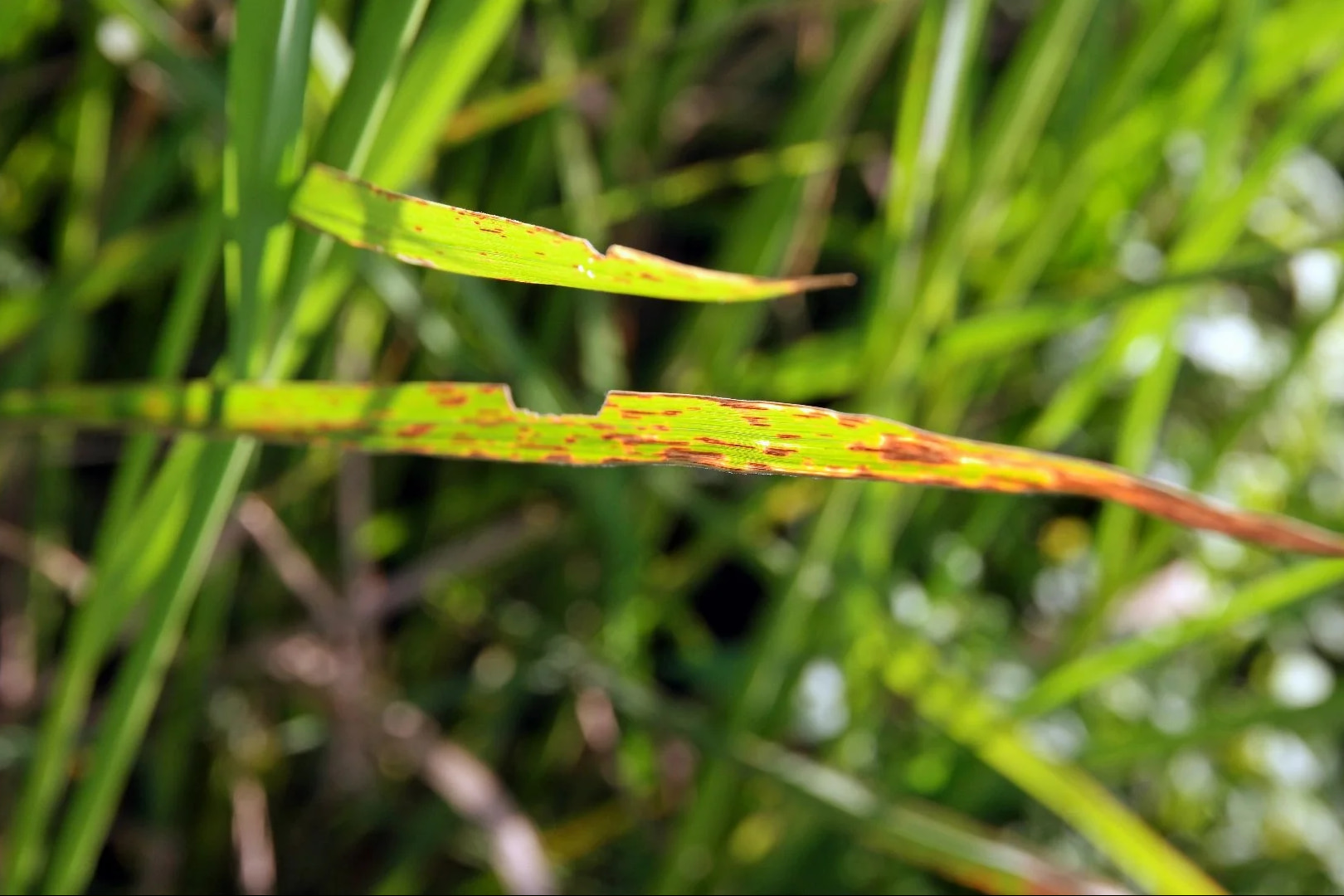 Unhealthy grass blades with brown spots
Listen and feel. Dull blades make the mower work harder. You might notice the mower seems slower or struggles more on slopes as the motor strains to turn the inefficient blades. Some models may exhibit increased vibration, which you can often feel or hear as a different hum or rattle.
The most telling sign in a robot mower is a noticeable drop in cutting efficiency. It takes longer to cover the same area, or the battery drains faster because the system is under more load.
There’s no universal expiration date, but a combination of standard guidelines and personal observation will create your perfect schedule.
For most residential robot mowers maintaining an average-sized lawn, a good rule of thumb is to replace the blades every 4 to 8 weeks during the active growing season. Since robot mowers cut frequently but take tiny amounts, their blades wear down steadily rather than suddenly failing. Marking a reminder on your calendar every 6 weeks is a proactive way to stay ahead of dullness. Always check your owner’s manual, as some manufacturers have specific recommendations.
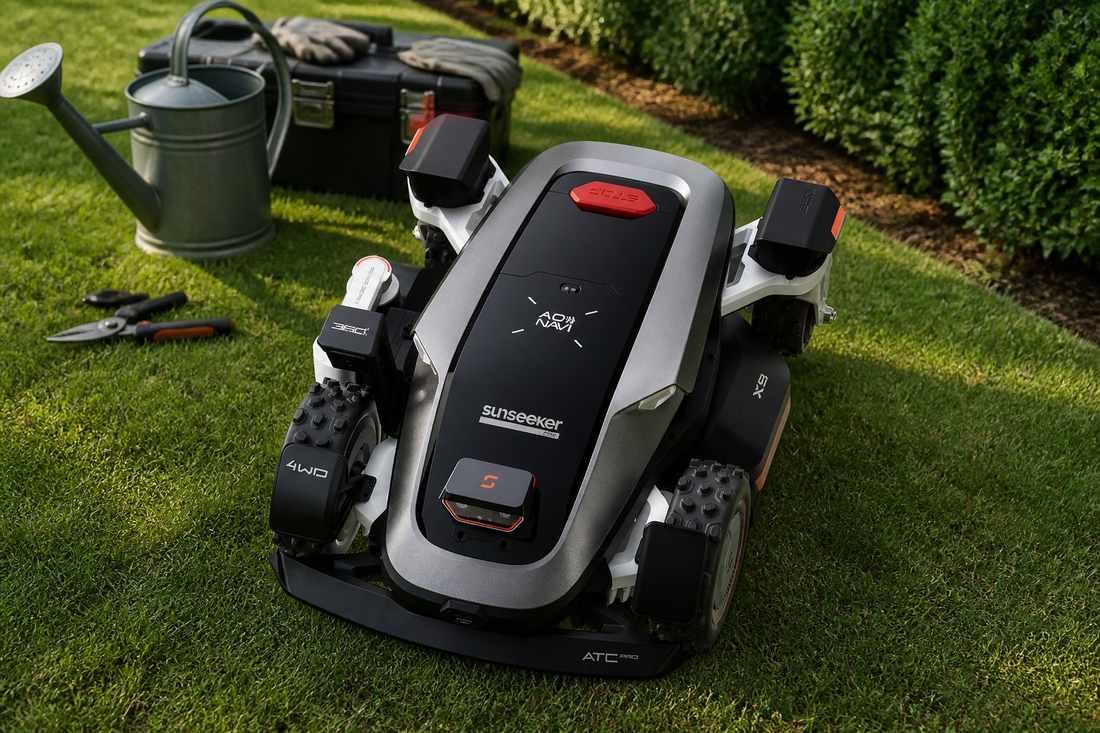
Several variables can shorten or extend blade life. Assess your own yard’s conditions to adjust the standard interval accordingly. For demanding conditions, consider models like the Sunseeker Elite X-series, which are engineered with enhanced durability to better withstand common abrasive factors.
Grass Type – Tough, dense varieties like Zoysia or Bermuda are more abrasive than softer grasses such as Fescue.
Soil Conditions – Sandy soil acts like sandpaper, accelerating wear each time the blade contacts the ground.
Obstacles – Roots, pine cones, rocks, or acorns can nick and dent the cutting edge.
Moisture – Mowing wet grass not only promotes corrosion but also causes clumping, which places additional strain on the blade.
Your replacement schedule should ebb and flow with grass growth. During the peak growing seasons of spring and fall, you’ll likely hit the shorter end of the replacement range (closer to 4-6 weeks). In the slower summer heat or winter dormancy, you can extend the interval (8-10 weeks or more). A practical approach is to install fresh blades at the start of each major growing season and then monitor performance to decide on the next mid-season change.
Replacing robot mower blades is a simple, sub-10-minute task. Doing it correctly ensures safety and optimal performance. Follow below four key steps to safely and correctly replace your robot mower's blades.
Always begin by ensuring the mower is completely powered off and the battery is removed to prevent any accidental activation. For added safety, wear safety goggles along with work gloves to protect your eyes and hands. Gather the necessary tools, which are typically a supplied hex key or a specific screwdriver, along with your new replacement blade set. Always work on a clean, flat, and stable surface.
Carefully tip the mower to access its underside and locate the central cutting disc. To prevent the disc from spinning accidentally, consider firmly bracing it. Use your tool to loosen and remove the central screw or bolt holding the disc assembly. Note the precise orientation of the old blades (a quick photo can help) before removing them and the disc, then take this opportunity to clean any debris from the mower's underside.
Position the clean cutting disc on your work surface. Before installation, consult the manufacturer's instructions for the new blades to confirm their correct orientation and fastening method. Align the new blades exactly as the old ones were oriented and insert the center bolt or screw through the assembly. Hand-tighten it to initially secure the components.
Use your tool to firmly tighten the central bolt until it is snug, being careful not to over-tighten and risk stripping the threads. Ensure all fasteners are securely tightened. Finally, give the assembled disc a gentle spin to confirm it rotates freely and without any wobble. Before reactivating the mower, perform a final visual check of the assembly. Once the mower is turned on, listen for any unusual noises or vibrations that might indicate an issue.
Proactive care can maximize the time between replacements, saving you money and keeping your lawn healthier for longer.
Get in the habit of a quick visual check every one to two weeks. After mowing, especially in damp conditions, use a brush or blower to clear grass clippings and mud from the underside of the mower. This debris holds moisture against the metal, promoting rust. A clean mower doesn’t just protect blades; it runs more efficiently overall.
Uneven, rocky, or highly irregular ground can compromise cutting quality and place unnecessary strain on a robotic mower. Rough terrain increases the risk of traction loss, uneven cuts, and accelerated wear on blades and drive components. Prioritizing stable surfaces and addressing major ground irregularities helps maintain consistent performance and extends machine lifespan.
For properties with unavoidable slopes or complex terrain, advanced designs make a clear difference. Models like the Sunseeker Elite X5 are built to manage challenging landscapes with confidence, using an all-wheel-drive system and a slope capability of up to 60% (30°) to maintain grip, balance, and precise cutting even on demanding ground.
 Sunseeker X5 running on a slope effortlessly
For traditional mowers, sharpening is common. For most robot mower blades, replacement is the better option. These blades are small, inexpensive, and often made of hardened steel that is difficult to sharpen evenly without special tools. An unbalanced blade from DIY sharpening can cause vibration and wear on the mower’s motor.
Given the low cost of a replacement set (often between €20-€50), swapping in fresh, perfectly balanced blades is the most reliable way to guarantee a clean cut and protect your mower’s mechanics.
Keeping your mower blades sharp is one of the simplest yet most impactful maintenance tasks you can perform. It’s the direct link between a struggling machine and a thriving lawn. By learning to recognize the subtle signs of wear, establishing a replacement rhythm that matches your lawn’s growth, and mastering the quick and safe swap, you empower your robotic mower to do its best work.
The reward is a lush, green, and professionally manicured lawn that comes not just from automation, but from your smart, attentive care. A few minutes of maintenance every couple of months ensures that every cut promotes health, beauty, and resilience in your outdoor space.
If you’d like to go further and prepare your lawn for seasonal changes, check out our article Winter Lawn Care Tips: Keep Your Grass Healthy Through Cold Months.
For optimal cutting, check blades monthly. Replace them typically every 4-8 weeks during peak season, or immediately if you notice uneven cuts, increased noise, or visible damage.
No, robot mower blades are not designed for sharpening. They are typically lightweight, multi-edged, and balanced as a set. Always replace with the manufacturer's specified blades to ensure safety and performance.
Incorrect orientation of the new blades. Always note how the old blades were mounted (take a photo) or strictly follow the manufacturer's diagram to ensure proper and safe installation.